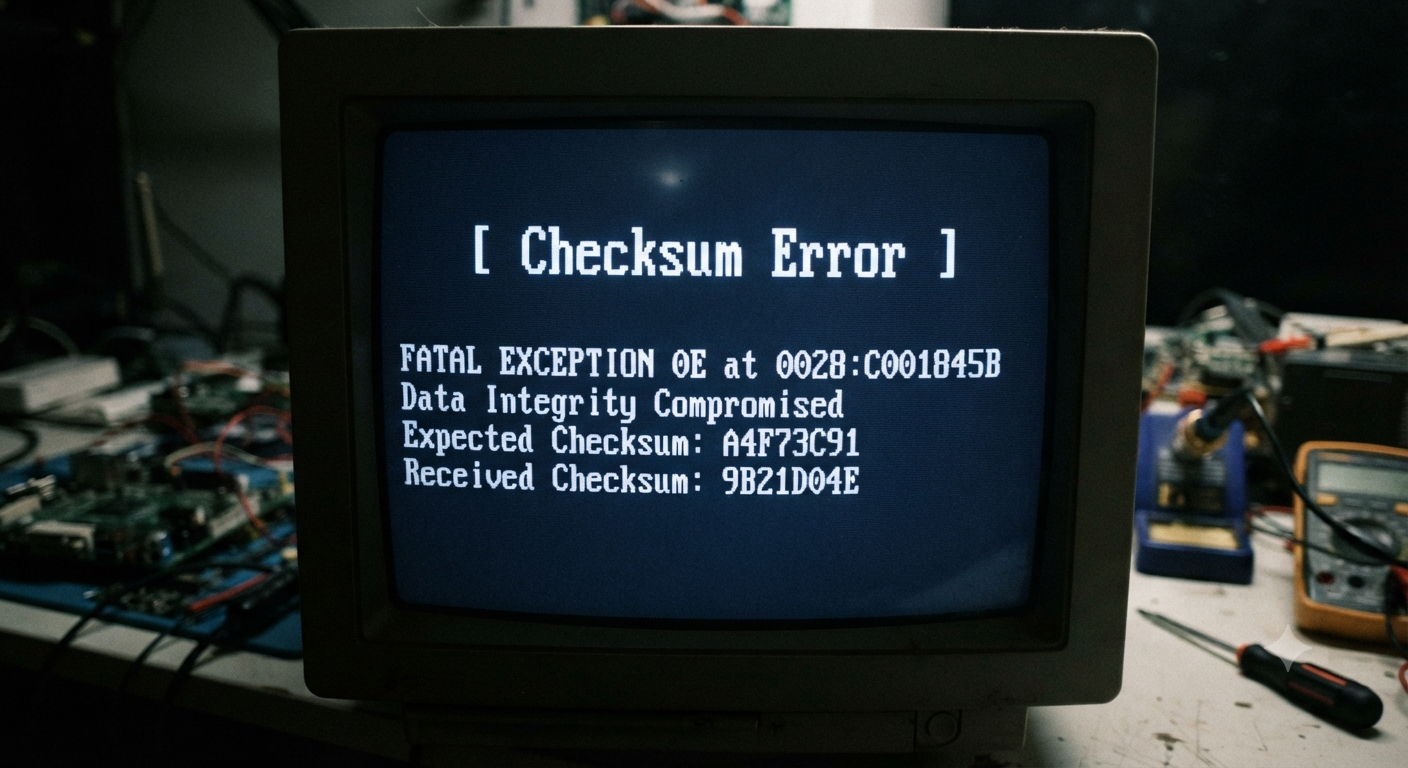
What Is a Checksum Error?
If you’ve ever downloaded software, transferred files to an external hard drive, installed an operating system, or extracted a ZIP archive, you may have encountered a message mentioning a checksum error. For many users, the warning appears unexpectedly and raises concerns about corrupted files or damaged storage devices. Naturally, the first question that comes to mind is what is a checksum error and whether it means the data is permanently lost.
A checksum error is one of the most common methods computers use to alert users that data integrity has been compromised. It simply means that the system expected a file to have one digital fingerprint but calculated a different one when checking the data. Because the two values don’t match, the computer assumes the file has been altered, damaged, or incompletely transferred.
Understanding what is a checksum error is important because it helps identify problems before corrupted data is used. Rather than being a problem itself, a checksum error is usually a warning that something happened during storage, downloading, copying, or transmission.
In this detailed guide, you’ll learn what is a checksum error, how checksums work, what causes these errors, how to fix them, how to recover affected files, and the best ways to prevent checksum errors in the future.
What Is a Checksum Error?
To fully understand what is a checksum error, it’s helpful to begin with the meaning of the word checksum.
A checksum is a mathematical value generated from the contents of a file or block of data. Think of it as a unique digital fingerprint.
When a file is created, copied, or downloaded, the computer calculates this fingerprint using a checksum algorithm. Later, when the file is opened or transferred again, the checksum is recalculated.
If both checksum values match:
- The file is considered unchanged.
- The data is assumed to be intact.
- No corruption is detected.
If the values are different:
- The system reports a checksum error.
- The file may be corrupted.
- The transfer may have failed.
- Storage problems may exist.
In simple terms, what is a checksum error can be answered like this:
A checksum error means the computer detected that data has changed unexpectedly or become corrupted because the newly calculated checksum does not match the original checksum.
What Is a Checksum?
Before going deeper into what is a checksum error, it’s important to understand the checksum itself.
Imagine mailing an important contract.
Before sealing the envelope, you place a numbered security seal on it.
When the recipient receives the package, they compare the seal number with the original record.
If the numbers match, they know nothing changed.
If the numbers differ, they know the package may have been opened or altered.
A checksum performs a similar function for digital information.
Instead of checking the actual contents every time, the computer compares small mathematical values.
This makes verification:
- Fast
- Reliable
- Efficient
- Accurate
Checksums are used every day without most people realizing it.
Where Are Checksums Used?
Many computer systems rely on checksums to verify data integrity.
Some common examples include:
- Software downloads
- Windows installations
- Linux ISO images
- ZIP and RAR archives
- External hard drives
- USB flash drives
- SSDs
- CDs and DVDs
- Cloud backups
- Database systems
- Email attachments
- Network communications
Because checksums are used almost everywhere, understanding what is a checksum error is valuable for both everyday users and IT professionals.
How Does a Checksum Work?
Although the underlying mathematics can be complex, the basic process is straightforward.
Step 1: Original File Is Created
A file is saved on a storage device or uploaded to a server.
Step 2: Checksum Is Generated
The computer processes every byte of the file and creates a unique checksum value.
Popular checksum algorithms include:
- MD5
- SHA-1
- SHA-256
- CRC32
Each algorithm produces a distinctive string of numbers and letters representing the file.
Step 3: File Is Copied or Downloaded
The file travels through:
- The internet
- A USB drive
- A hard drive
- A network
- Cloud storage
Step 4: Checksum Is Calculated Again
After the transfer finishes, the computer calculates a new checksum.
Step 5: Comparison Takes Place
If the new checksum matches the original:
The transfer is successful.
If not:
A checksum error appears.
This entire process usually happens automatically in the background.
What Causes a Checksum Error?
People searching what is a checksum error are often experiencing the problem firsthand.
Several different issues can cause checksum verification to fail.
1. Corrupted Downloads
One of the most common causes is an incomplete or corrupted download.
Internet interruptions, unstable Wi-Fi, or server issues can alter the downloaded file.
When the checksum is compared, it no longer matches.
2. Damaged Storage Devices
Hard drives, SSDs, memory cards, and USB drives can develop bad sectors over time.
When damaged sectors affect stored files, checksum verification fails.
3. Faulty USB Cables
Sometimes the storage device is perfectly healthy.
Instead, a damaged cable causes communication errors while copying data.
Replacing the cable often resolves the issue.
4. Unexpected Power Loss
If a computer loses power while writing data, the file may become incomplete.
Later, when the file is checked, the checksum no longer matches.
5. Malware Infection
Certain types of malware modify files.
Because the file contents change, the checksum also changes.
This is one reason security software often verifies checksums.
6. Memory (RAM) Problems
Defective RAM can occasionally introduce data corruption while files are being processed.
Although less common, memory errors may eventually trigger checksum errors.
7. File System Corruption
Unexpected shutdowns or storage problems may damage the file system itself.
This can affect stored files even if the storage hardware is still functioning.
8. Software Bugs

Occasionally, application bugs or interrupted updates corrupt program files, leading to checksum verification failures.
Common Situations Where Checksum Errors Appear
Many users encounter checksum errors during everyday computer tasks.
Examples include:
- Installing Windows
- Installing Linux
- Downloading software
- Updating firmware
- Opening ZIP archives
- Extracting compressed files
- Restoring backups
- Copying files to external drives
- Burning DVDs
- Installing games
Understanding what is a checksum error helps explain why these operations sometimes fail even when everything appears normal.
Does a Checksum Error Mean My File Is Damaged?
Not always.
A checksum error simply means verification failed.
Possible explanations include:
- The file is corrupted.
- The transfer was interrupted.
- The storage device has bad sectors.
- The cable caused communication problems.
- The original file itself was damaged.
Sometimes downloading the file again completely solves the problem.
Other times, additional troubleshooting is necessary.
Checksum Error vs CRC Error
Many people confuse CRC errors with checksum errors due to their similar purpose.
Both verify data integrity, but they are not exactly the same.
A checksum provides a simple way to verify data by performing mathematical calculations on its contents.
CRC (Cyclic Redundancy Check) is one specific type of checksum algorithm designed to detect accidental changes in data.
In other words:
- Every CRC uses checksum principles.
- Not every checksum uses CRC.
Both serve the same purpose—detecting data corruption—but they may rely on different mathematical methods.
How to Fix a Checksum Error
After understanding what is a checksum error, the next step is learning how to resolve it. Exploring more computer troubleshooting tips can also help users diagnose and fix common hardware and software-related issues. The best solution depends on what caused the error in the first place. Sometimes the fix is simple, while in other cases it may require replacing faulty hardware or recovering damaged files.
Here are the most effective troubleshooting methods.
1. Download the File Again
If the checksum error appears while installing software or opening a downloaded file, the download may have been interrupted or corrupted.
Delete the damaged file and download it again from the official source. If possible, use a stable internet connection to reduce the risk of interruptions.
In many cases, downloading a fresh copy immediately resolves the problem.
2. Verify the Checksum Manually
Many software developers publish official checksum values—such as MD5, SHA-256, or SHA-512—for downloadable files. Learning how to perform file integrity verification can help users confirm that downloaded files are complete, authentic, and free from accidental corruption.
You can calculate the checksum of your downloaded file using a checksum verification tool or built-in operating system utilities. Compare the calculated value with the one provided by the developer.
- If the values match, the file is likely intact.
- If they differ, the file has probably been altered or corrupted and should be downloaded again.
This is one of the safest ways to confirm whether a file is genuine and complete.
3. Check Your Storage Device
If what is a checksum error appears while opening files stored on a hard drive, SSD, memory card, or USB flash drive, inspect the storage device.
Look for warning signs such as:
- Very slow file access.
- Frequent read or write errors.
- Files disappearing.
- Unusual clicking sounds from a hard drive.
- Repeated checksum errors.
These symptoms may indicate that the storage device is beginning to fail.
4. Inspect Cables and Ports

Sometimes the issue isn’t the storage device itself but the connection.
Try:
- Using another USB cable.
- Connecting to a different USB port.
- Testing the drive on another computer.
- Avoiding damaged hubs or adapters.
A poor connection can interrupt data transfers and produce checksum mismatches.
5. Scan for Malware
Malicious software can modify files without your knowledge.
Running a complete malware scan helps determine whether unwanted software has altered your data.
Keeping your operating system and antivirus software updated also reduces future risk.
6. Check Your Computer’s Memory
Although less common, faulty RAM can corrupt data while files are being copied or processed.
If checksum errors occur frequently across many different storage devices, memory testing tools may help identify hardware problems.
7. Restore From a Backup
If a file cannot be repaired, restoring it from a recent backup is often the quickest solution.
This highlights why maintaining regular backups is one of the best ways to protect important information.
Can Files Be Recovered After a Checksum Error?
Many people searching what is a checksum error worry that the error means permanent data loss.
Fortunately, that is not always the case.
Recovery depends on the underlying cause.
For example:
- If the problem resulted from an interrupted download, downloading the file again usually solves it.
- If only a small portion of a storage device is damaged, many files may still be copied successfully.
- If the device itself is failing, specialized data recovery software or professional recovery services may be able to retrieve some or all of the data.
If the information is especially valuable, avoid repeatedly attempting to access a failing drive, as continued use may worsen the damage.
Common Checksum Algorithms
Understanding what is a checksum error also involves knowing the algorithms used to generate checksum values.
MD5
MD5 is one of the oldest checksum algorithms.
Although it is still widely used to verify file integrity, it is no longer considered secure for modern cryptographic applications.
SHA-1
SHA-1 improved upon MD5 but has also become outdated for security-sensitive uses.
It may still appear when verifying older files.
SHA-256
SHA-256 is one of the most commonly used checksum algorithms today.
It provides a much higher level of reliability and is widely used for software downloads, operating system images, and security verification.
SHA-512
SHA-512 produces an even longer checksum value and is commonly used when stronger verification is required.
CRC32
CRC32 is designed primarily to detect accidental errors during storage or transmission.
Although technically different from cryptographic hash algorithms, it serves a similar role in identifying data corruption.
How to Prevent Checksum Errors
While no computer system is completely immune to errors, good maintenance habits can greatly reduce the likelihood of experiencing checksum problems.
Keep Regular Backups
Maintain multiple copies of important files on different storage devices or in secure cloud storage. A reliable data backup and recovery plan can reduce the risk of permanent data loss caused by corrupted files, hardware failures, or unexpected system problems.
Backups provide protection against both hardware failure and accidental corruption.
Safely Remove External Drives
Always eject USB drives and external storage devices before disconnecting them.
Removing a device while data is still being written increases the risk of file corruption.
Maintain Reliable Hardware
Old or damaged storage devices are more likely to develop data integrity problems.
Replace drives that show repeated read errors, unusual noises, or declining performance.
Use Stable Internet Connections
Interrupted downloads frequently cause checksum mismatches.
Whenever possible, download large files over a reliable connection and avoid interrupting the transfer.
Protect Against Power Failures
Unexpected shutdowns during file transfers or software installations can corrupt data.
Using a surge protector or an uninterruptible power supply (UPS) can help prevent these issues.
Keep Software Updated
Operating system updates and firmware updates often improve hardware compatibility and fix bugs that could contribute to data corruption.
Common Myths About Checksum Errors
Understanding what is a checksum error also means separating facts from misconceptions.
Myth 1: A checksum error always means the file is permanently damaged.
False. In many cases, downloading the file again or restoring it from a backup resolves the issue.
Myth 2: Only old computers experience checksum errors.
No. Checksum errors can occur on new computers if a download is interrupted, a storage device develops a problem, or a transfer is incomplete.
Myth 3: Formatting a drive is always the answer.
Formatting removes data and should generally be considered only after important files have been backed up and other troubleshooting methods have been attempted.
Myth 4: Checksum errors are caused only by viruses.
While malware can alter files, checksum errors are much more commonly caused by hardware issues, interrupted transfers, or storage corruption.
Real-World Examples of Checksum Errors
Seeing what is a checksum error in real situations makes the concept easier to understand.
Example 1: You download a large operating system image. During installation, the setup program reports a checksum error because the download was incomplete.
Example 2: A USB flash drive containing work documents begins developing bad memory cells. When you open certain files, the computer reports a checksum error because the stored data no longer matches its original checksum.
Example 3: An external hard drive is connected using a damaged USB cable. During file transfers, communication errors occur, leading to checksum verification failures.
These examples show that the same error message can have several different underlying causes.
When Should You Seek Professional Help?
If you’ve tried basic troubleshooting and checksum errors continue to appear, professional assistance may be appropriate, especially if:
- The storage device contains irreplaceable data.
- The drive makes unusual mechanical noises.
- Multiple files are inaccessible.
- Recovery software cannot read the device.
- The computer no longer recognizes the storage hardware.
Professional data recovery specialists have specialized equipment that may recover information from damaged storage devices.\
Conclusion
If you’ve been asking what is a checksum error, the answer is that it is a warning indicating that a file’s calculated checksum does not match its expected value. This mismatch tells the computer that the data may have been altered, corrupted, or incompletely transferred.
Understanding what is a checksum error helps you troubleshoot problems more effectively. Whether the issue is caused by a corrupted download, a failing storage device, damaged cables, malware, or file system corruption, identifying the underlying cause is the key to finding the right solution.
Regular backups, reliable hardware, safe file-handling practices, and checksum verification are all valuable tools for protecting your data. While checksum errors can be frustrating, they also serve an important purpose by alerting you to problems before damaged data is trusted or used.
Frequently Asked Questions
1. What is a checksum error?
A checksum error occurs when the checksum calculated from a file or data block does not match the expected checksum, indicating possible corruption or alteration.
2. What causes a checksum error?
Common causes include corrupted downloads, failing hard drives, damaged USB drives, interrupted file transfers, faulty cables, malware, file system corruption, and memory problems.
3. Can a checksum error be fixed?
Yes. Depending on the cause, you may resolve it by downloading the file again, replacing faulty hardware, repairing storage issues, or restoring data from a backup.
4. Does a checksum error mean my file is permanently damaged?
Not necessarily. Many checksum errors are caused by temporary problems, and the affected file can often be replaced or recovered.
5. Is a checksum error the same as a CRC error?
Not exactly. A CRC (Cyclic Redundancy Check) is one specific type of checksum used to detect accidental changes in data, while “checksum” is a broader term covering several verification methods.
6. How do I verify a file’s checksum?
You can use built-in operating system utilities or checksum verification tools to calculate the checksum and compare it with the value provided by the software developer.
7. Can bad RAM cause checksum errors?
Yes. Faulty memory can occasionally corrupt data while it is being processed, leading to checksum mismatches.
8. How can I prevent checksum errors?
Regular backups, safe removal of external drives, reliable hardware, stable internet connections, updated software, and protecting your computer from unexpected power loss can all help reduce the risk of checksum errors.